Deploying Django with Docker: Complete Production Setup Guide
Scan to open this article on your device
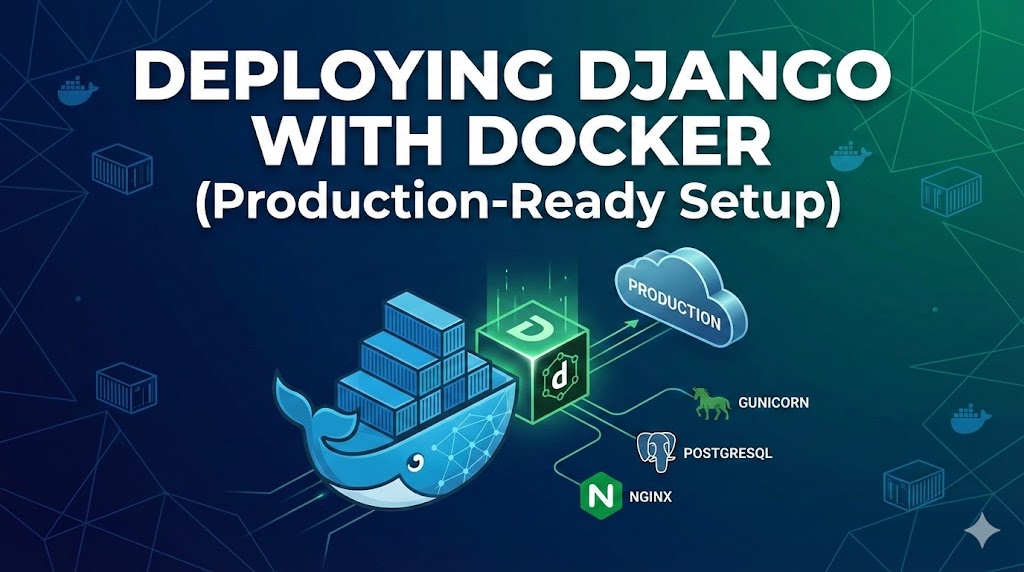
Deploying Django with Docker (Production-Ready Setup)
Let’s containerize your Django app properly and make it production-ready using Docker and Docker Compose.
Why Use Docker for Django?
- Consistent environment across machines
- Easy scaling
- Dependency isolation
- CI/CD friendly
- No “works on my machine” drama
Project Structure
myproject/
│
├── app/
├── myproject/
├── manage.py
├── requirements.txt
├── Dockerfile
├── docker-compose.yml
├── .env
├── .dockerignore
└── entrypoint.sh
1. requirements.txt
Django>=4.2
gunicorn
psycopg2-binary
python-dotenv
2. Dockerfile
FROM python:3.12-slim
ENV PYTHONDONTWRITEBYTECODE=1
ENV PYTHONUNBUFFERED=1
WORKDIR /code
RUN apt-get update && apt-get install -y \
build-essential \
libpq-dev \
netcat-openbsd \
&& rm -rf /var/lib/apt/lists/*
COPY requirements.txt .
RUN pip install --upgrade pip
RUN pip install -r requirements.txt
COPY . .
RUN chmod +x entrypoint.sh
ENTRYPOINT ["./entrypoint.sh"]
3. entrypoint.sh
#!/bin/sh
echo "Waiting for database..."
while ! nc -z db 5432; do
sleep 1
done
echo "Database started"
python manage.py migrate
python manage.py collectstatic --noinput
exec gunicorn myproject.wsgi:application \
--bind 0.0.0.0:8000 \
--workers 3
4. docker-compose.yml
version: "3.9"
services:
web:
build: .
ports:
- "8000:8000"
env_file:
- .env
depends_on:
- db
db:
image: postgres:15
volumes:
- postgres_data:/var/lib/postgresql/data/
environment:
POSTGRES_DB: mydb
POSTGRES_USER: myuser
POSTGRES_PASSWORD: mypassword
volumes:
postgres_data:
5. .env File
DEBUG=0
SECRET_KEY=super-secret-key
DATABASE_NAME=mydb
DATABASE_USER=myuser
DATABASE_PASSWORD=mypassword
DATABASE_HOST=db
DATABASE_PORT=5432
6. Django settings.py Configuration
Database Configuration
import os
DATABASES = {
"default": {
"ENGINE": "django.db.backends.postgresql",
"NAME": os.getenv("DATABASE_NAME"),
"USER": os.getenv("DATABASE_USER"),
"PASSWORD": os.getenv("DATABASE_PASSWORD"),
"HOST": os.getenv("DATABASE_HOST"),
"PORT": os.getenv("DATABASE_PORT"),
}
}
Production Settings
DEBUG = False
ALLOWED_HOSTS = ["your-domain.com", "localhost"]
Static Files
STATIC_URL = "/static/"
STATIC_ROOT = os.path.join(BASE_DIR, "staticfiles")
7. .dockerignore
__pycache__
*.pyc
*.pyo
*.pyd
.env
venv
.git
8. Build and Run
docker-compose build
docker-compose up
Visit:
http://localhost:8000
Production Improvements
- Add Nginx as a reverse proxy for HTTPS and static file serving
- Use environment-based settings (development, production)
- Implement multi-stage Docker builds
- Add health checks
Example Healthcheck
healthcheck:
test: ["CMD", "curl", "-f", "http://localhost:8000"]
interval: 30s
timeout: 10s
retries: 5
Deployment to VPS
- Install Docker and Docker Compose
- Clone your repository
- Add production .env file
- Run: docker-compose up -d --build
- Configure Nginx
- Attach domain
- Install SSL with Certbot
Architecture Overview
Client → Nginx → Gunicorn (Django) → PostgreSQL
Your Django app is now containerized, scalable, and production-ready.
Discussion (1)
Leave a Reply
Shekhar Dhakal
6 months agoWow